Microservices
In a microservices architecture, maintaining visibility into the operations and performance of individual services is crucial for ensuring reliability, security, and efficient troubleshooting. Our company utilizes a combination of Prometheus, Loki, and Promtail for log aggregation, storage, and querying to achieve comprehensive log tracking across our microservices ecosystem, which includes the Authenticator, Account, Client, and Thing microservices.
Tools Overview
- Prometheus: An open-source monitoring and alerting toolkit widely used for its powerful metrics collection, storage, and querying capabilities. In our setup, Prometheus primarily focuses on capturing real-time metrics.
- Loki: A horizontally scalable, highly available, multi-tenant log aggregation system inspired by Prometheus. Loki is designed to store and query logs from all our microservices efficiently.
- Promtail: An agent which ships the contents of local logs to a private Loki instance. It is responsible for gathering logs and sending them to Loki.
Log Tracking Workflow
Step 1: Log Collection with Promtail
Promtail is deployed alongside each microservice as an agent. It is configured to monitor log files or log streams provided by the microservices, including the Authenticator, Account, Client, and Thing services. Promtail then forwards these logs to Loki for storage.
Configuration
- Promtail is configured to tag logs with metadata, such as the name of the microservice, the environment (development, staging, production), and any other relevant labels that aid in querying and segmentation of logs.
Step 2: Log Aggregation and Storage in Loki
Loki aggregates logs from all instances of Promtail. It organizes logs using the labels provided by Promtail, making it easy to query logs based on microservice name, environment, or any custom labels defined during the configuration.
Features
- Efficient Storage: Loki is designed for cost-effective storage of logs, employing compression and scalable storage options.
- Query Capability: Loki supports a querying language similar to Prometheus, allowing for powerful and flexible log searches.
Step 3: Monitoring and Alerting with Prometheus
While Prometheus's primary role is metrics collection, it integrates with Loki to enhance monitoring capabilities. Prometheus can generate alerts based on log patterns or metrics, which are critical for proactive issue resolution and system health monitoring.
Step 4: User Interface for Log Monitoring
Administrators and developers can access logs via a monitoring user interface, which integrates data from Loki and Prometheus. This UI provides:
- Real-time Visibility: Immediate access to logs across all microservices.
- Advanced Querying: Ability to perform complex log searches to diagnose issues.
- Dashboarding: Customizable dashboards for monitoring key metrics and logs.
- Alert Management: Configuration and management of alerts based on specific log patterns or metrics thresholds.
Accessing Logs Directly
For deeper investigation or troubleshooting, users can also connect directly to the server hosting the microservices or Loki, and use command-line tools to query or inspect logs.
- Command Line Querying: Users familiar with the command line can use Loki's CLI tools or direct database access commands to query or tail logs in real time.
Best Practices
- Regular Monitoring: Regularly monitor logs and metrics to identify and address issues proactively.
- Alert Configuration: Configure alerts for critical errors or unusual patterns in logs.
- Log Retention Policy: Define a log retention policy that balances between storage costs and the need for historical logs for troubleshooting or analysis.

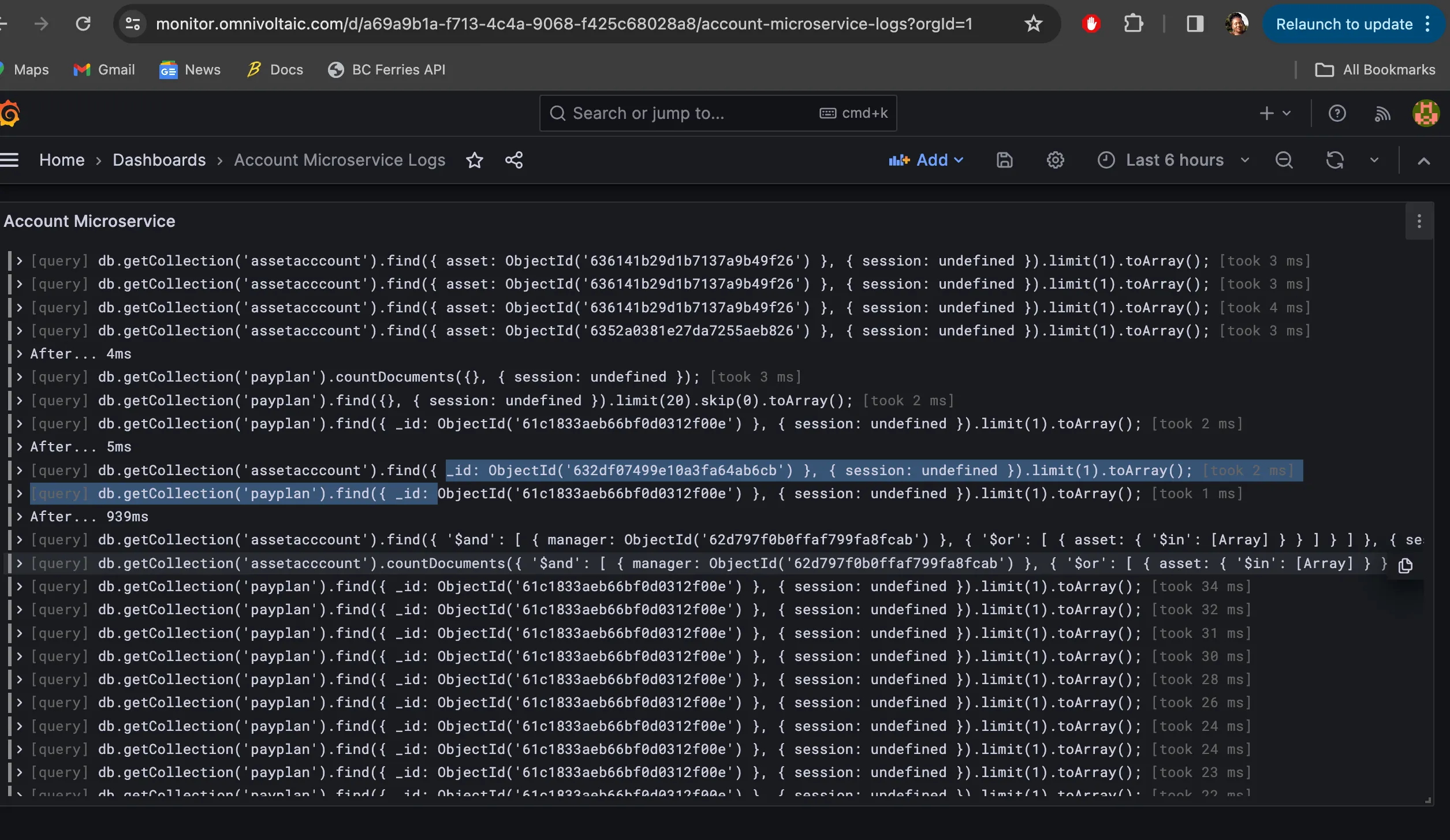
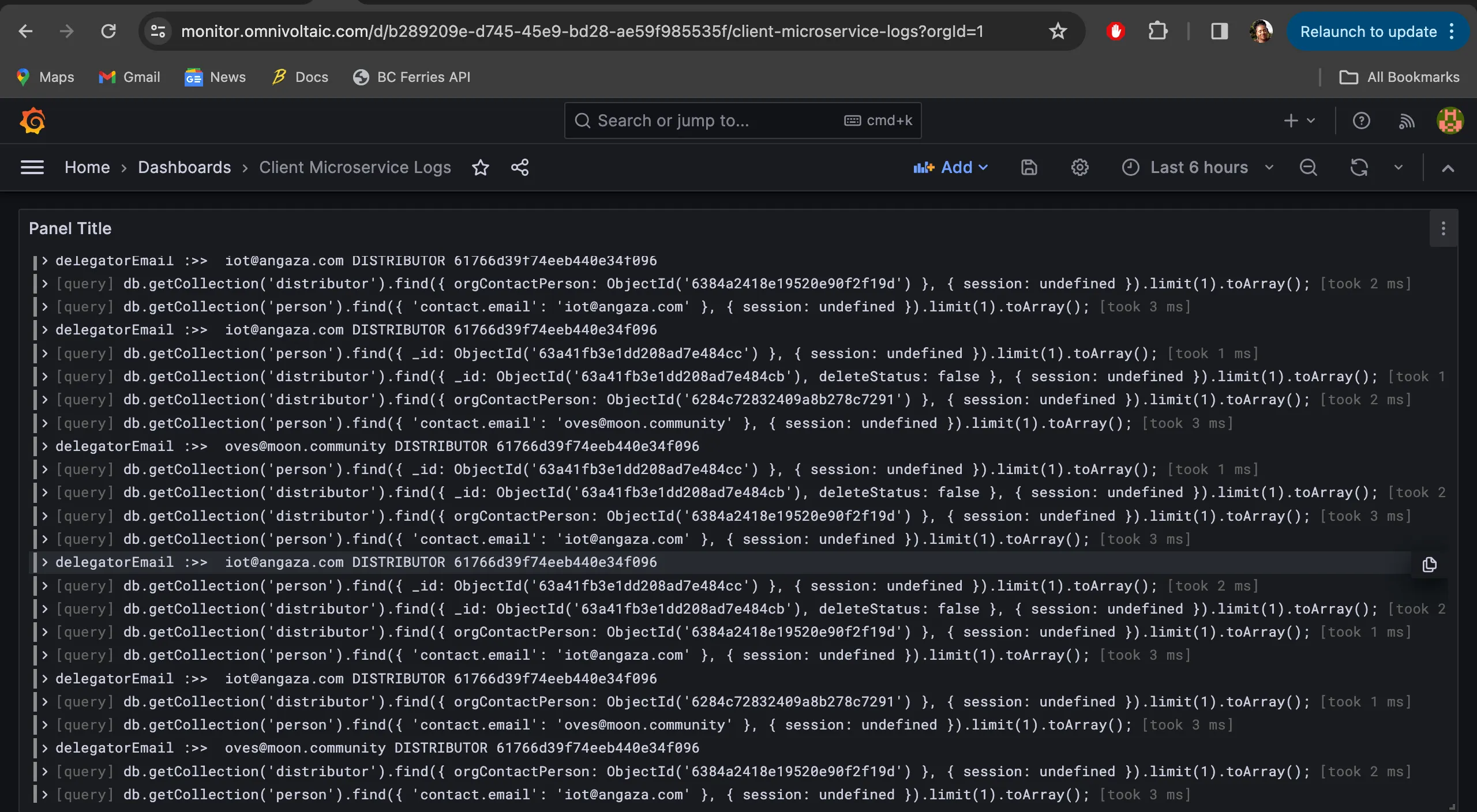
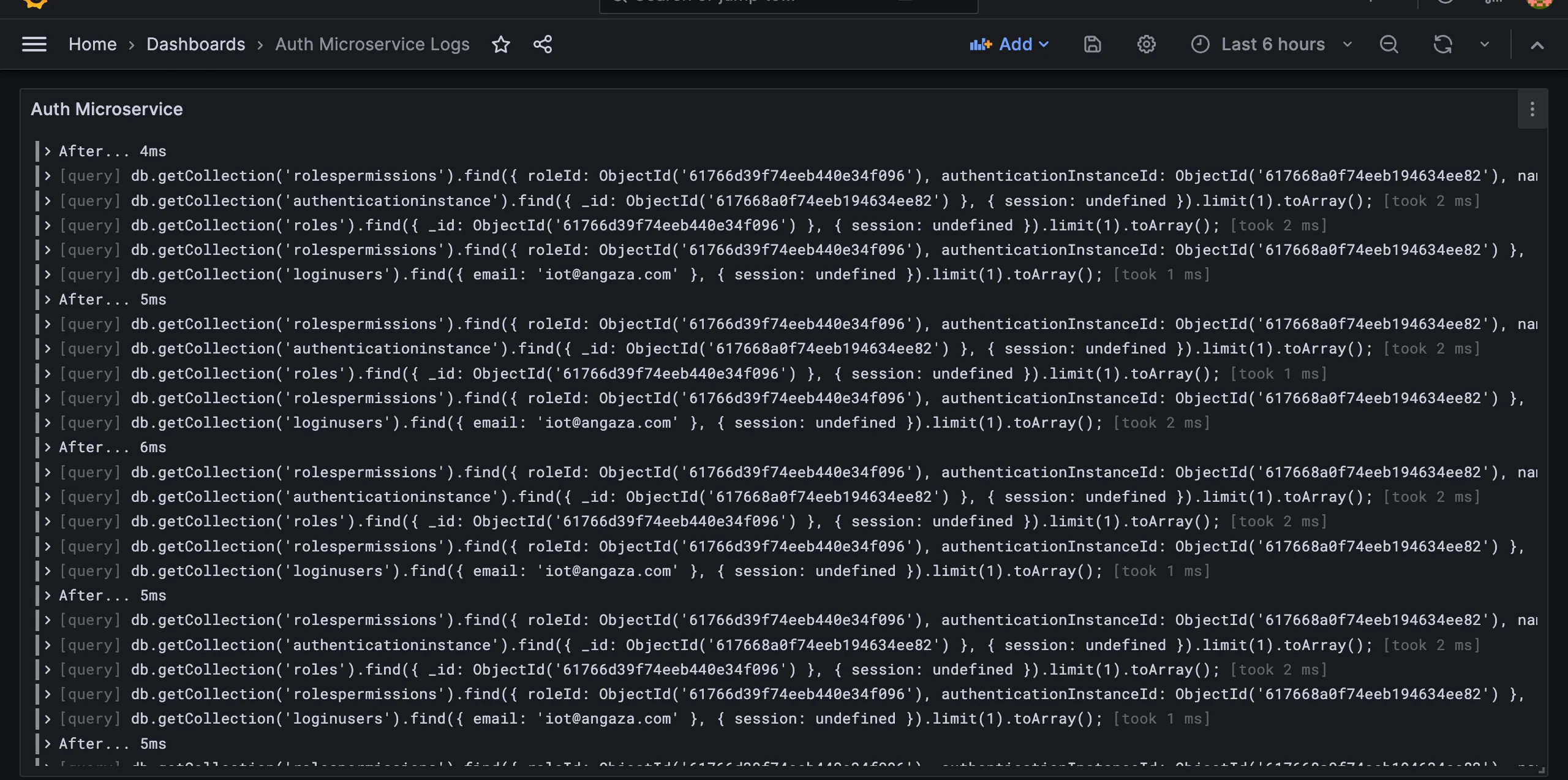
Microservice logs example.
- ACCOUNT MICROSERVICE
- CLIENT MICROSERVICE
- AUTH MICROSERVICE
Conclusion
Our log tracking system, utilizing Prometheus, Loki, and Promtail, provides a robust framework for monitoring, querying, and analyzing logs across our microservices architecture. This system ensures that our teams have the visibility and tools necessary to maintain high service reliability and performance.